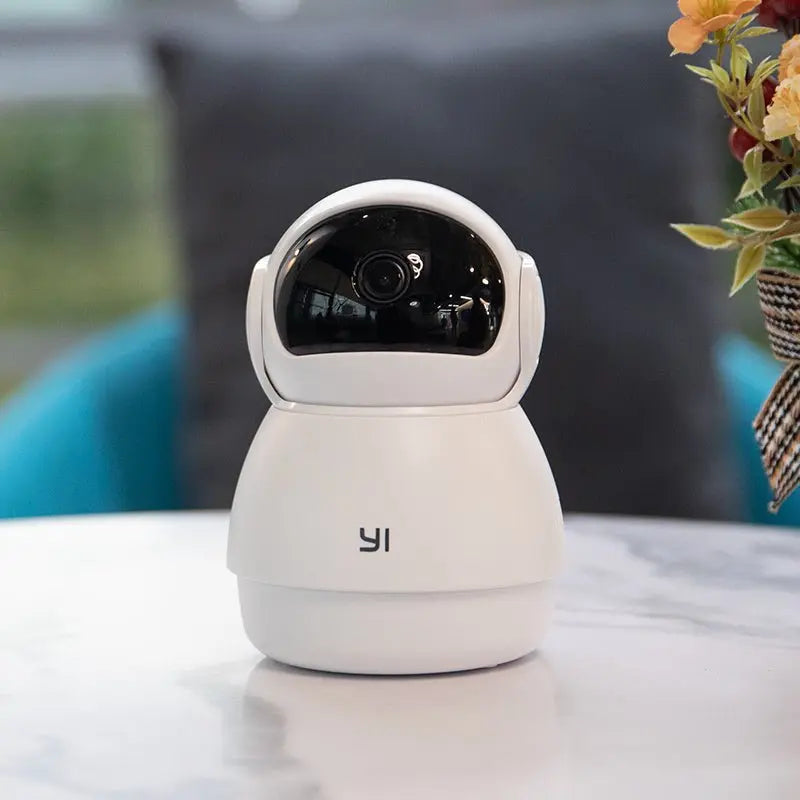
Home HD Monitoring Wireless Wifi Mobile Phone Remote
Home HD Monitoring Wireless Wifi Mobile Phone Remote
Couldn't load pickup availability

Home HD Monitoring Wireless Wifi Mobile Phone Remote
Product material:
Material: ABS
Details:
Horizontal resolution :1080P
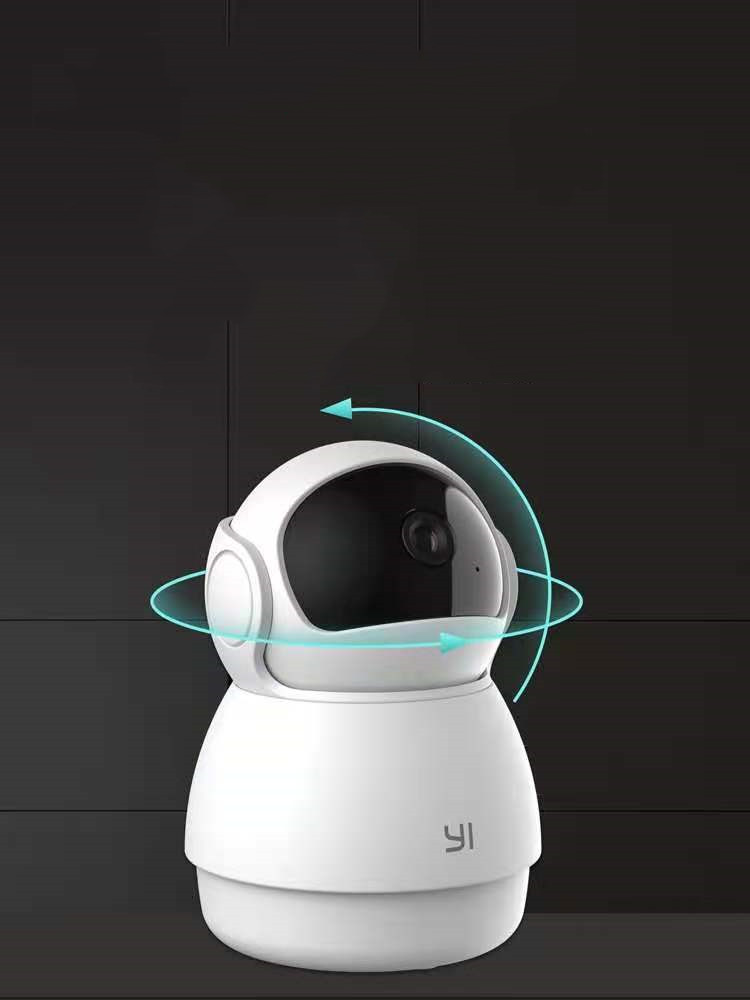
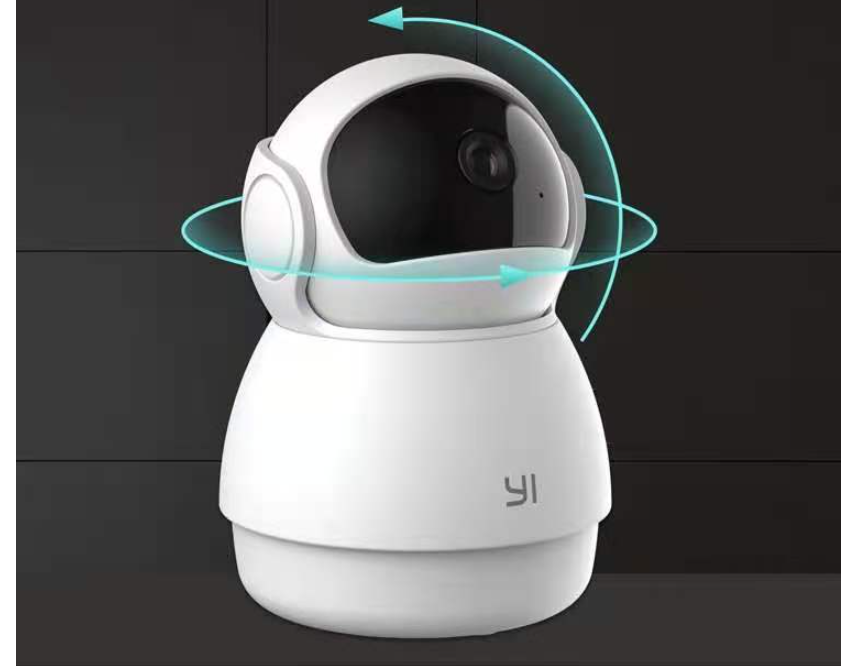
Function: panoramic monitoring, intelligent tracking, infrared night vision
Setting up your camera with the YI Home app
1. Install the YI home app and create a YI home account
2. Turn on your camera and click the icon on the top right corner of YI HOME app to add your camera
3. Select your Wi-Fi network and enter your Wi-Fi password, then select Connect to Wi-Fi
4.Scan the QR Code displayed on the app and then select next after the QR Code has scanned
5. Select save, then select start using to complete the pairing.
6. If the connection fails, press the reset button and try again.
Wi-Fi settings
1. YI home cameras will need to connect to a 2.4GHz band network. 5GHz WiFi band is not supported
2. Activate the location service on the phone if you encounter an unknown SSID problem
3. Encryption mode must be set to WPA / WPA2 (mixed mode) or WPA2
4. Your Wi-Fi password must be 8 to 20 characters long
Packing list
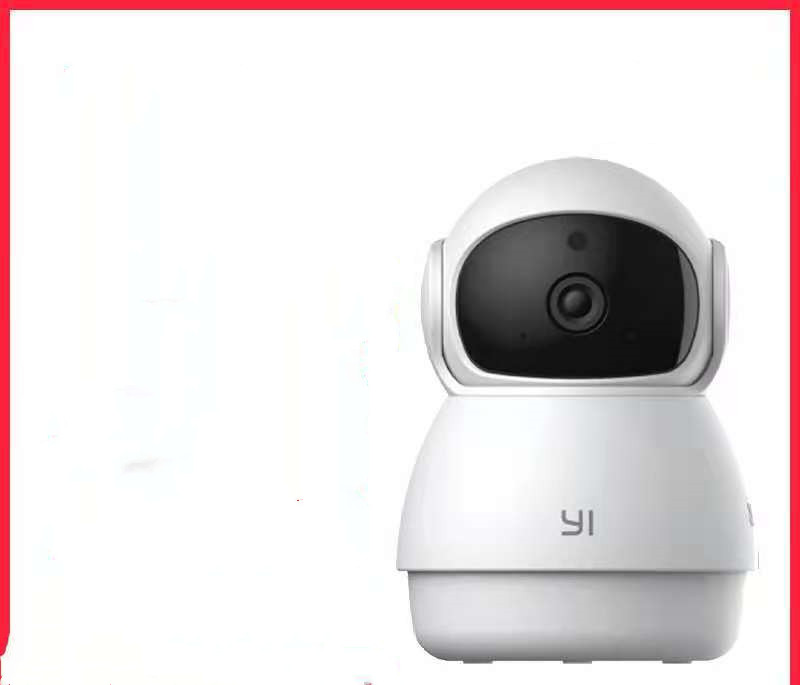
Camera X1